BASELINE
Where does my history begin?
Your history starts clean the day you add a keyword. Every point after that is a real collected rank, not a reconstructed guess.
See what happens to your rankings after each listing update, and catch important drops before weeks go by.
Not ready to sign up? Check any extension's rank free →
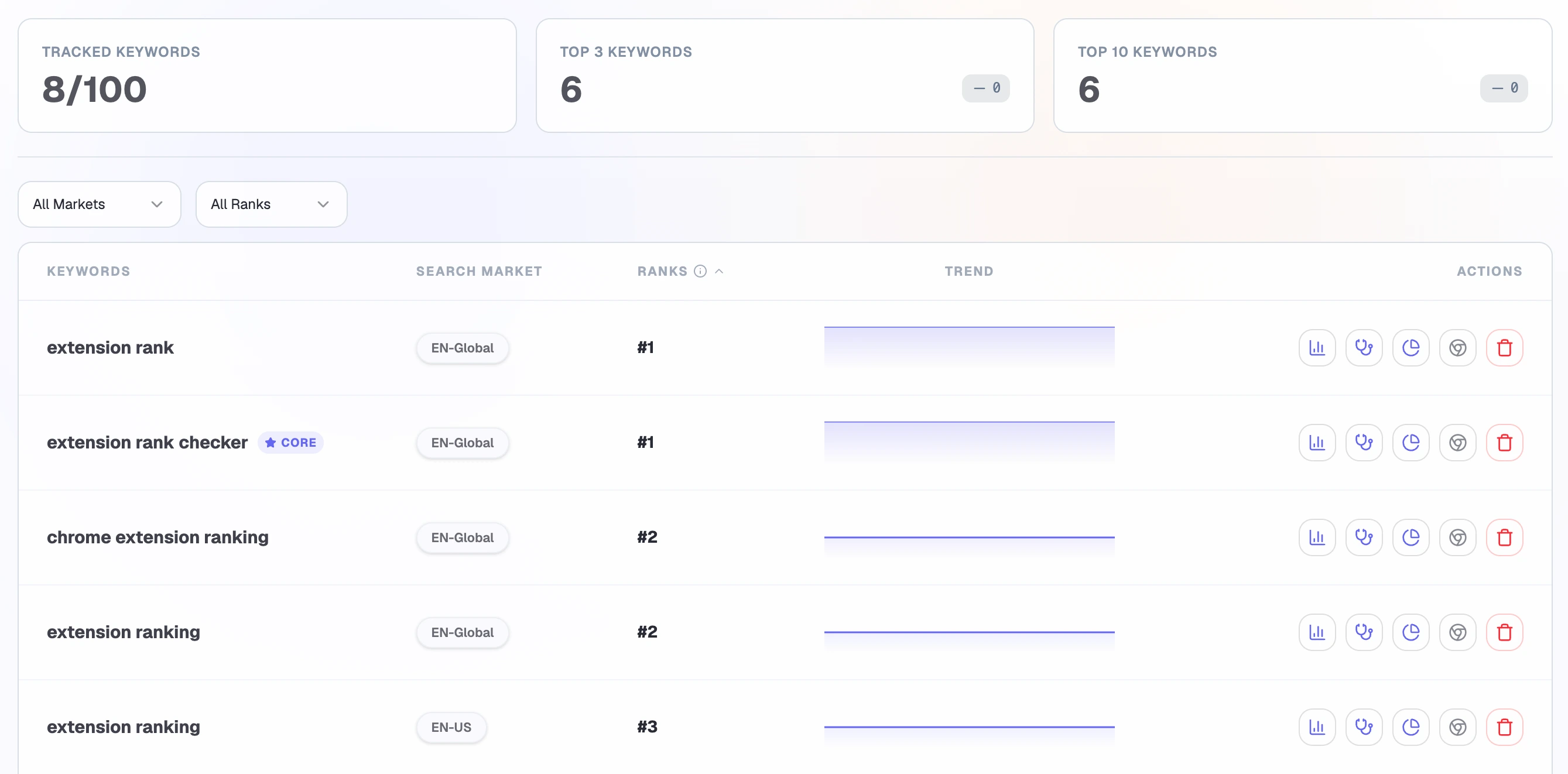
Rankings reflect the selected market.
THE DECISION
Your ranking history starts the day you begin and is collected daily from then on, with every timing boundary explicit.
BASELINE
Your history starts clean the day you add a keyword. Every point after that is a real collected rank, not a reconstructed guess.
CONTEXT
See extension updates on the same timeline, so you can connect a move to what shipped around it.
ATTENTION
Get a digest when a keyword crosses your Top-N line or moves five or more positions.
PRODUCT FLOW
Tracking is forward-looking: a specific extension, keyword, and search market, followed every day.
Add an extension, keyword, and Chrome Web Store search market to create a specific tracking target.
The first collected ranking starts your trend, giving you clean data from day one.
Rankings refresh once per day and build a continuous history you can scroll back through.
Meaningful movement is bundled into an email digest, so a big move finds you.
THE EVIDENCE
One timeline holds your daily ranks, your extension's updates, and the alerts that surfaced, so investigation starts from context, not memory.
START
Begins with the first ranking collected after you add the keyword for that extension and market.
REFRESH
Every tracked keyword is refreshed once per day, building an uninterrupted daily series.
INVESTIGATE
Extension updates appear on the ranking timeline as markers, so you can check what shipped near a move.
NOTIFY
Meaningful movement is grouped into one email digest instead of a stream of pings.
PRODUCT QUESTIONS
The baseline begins when you add the keyword for an extension and search market. Ranking Tracker does not fabricate earlier history.
Tracked rankings currently refresh once per day at 16:00 UTC.
No. Alert evaluation currently runs Monday, Wednesday, and Friday at 02:00 UTC, then groups new events into an email digest.
No. They show an observed update near ranking movement, helping you investigate correlation without claiming causation.
CLOSE THE LOOP
Return to market research when ranking or competitive movement gives you a reason to reconsider the target.